
-
Pl
chevron_right
This Week in GNOME: #244 Recognizing Hieroglyphs
news.movim.eu / PlanetGnome • 10 April 2026 • 4 minutes
Update on what happened across the GNOME project in the week from April 03 to April 10.
GNOME Core Apps and Libraries
Blueprint ↗
A markup language for app developers to create GTK user interfaces.
James Westman reports
blueprint-compiler is now available on PyPI. You can install it with
pip install blueprint-compiler.
GNOME Circle Apps and Libraries
Hieroglyphic ↗
Find LaTeX symbols
FineFindus reports
Hieroglyphic 2.3 is out now. Thanks to the exciting work done by Bnyro, Hieroglyphic can now also recognize Typst symbols (a modern alternative to LaTeX). Hardware-acceleration will now be preferred, when available, reducing power-consumption.
Download the latest version from FlatHub .

Amberol ↗
Plays music, and nothing else.
Emmanuele Bassi says
Amberol 2026.1 is out, using the GNOME 50 run time! This new release fixes a few issues when it comes to loading music, and has some small quality of life improvements in the UI, like: a more consistent visibility of the playlist panel when adding songs or searching; using the shortcuts dialog from libadwaita; and being able to open the file manager in the folder containing the current song. You can get Amberol on Flathub .

Third Party Projects
Alexander Vanhee says
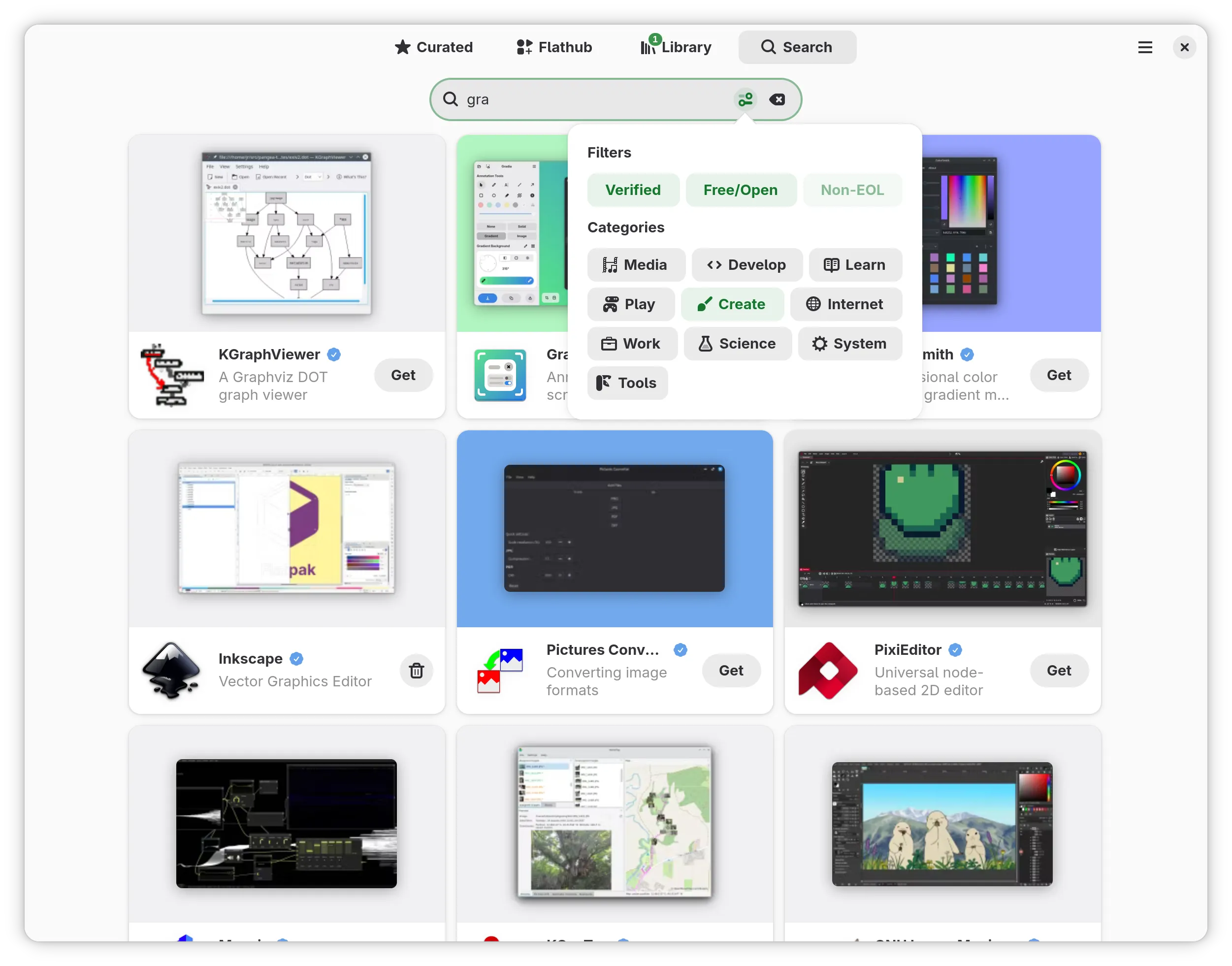
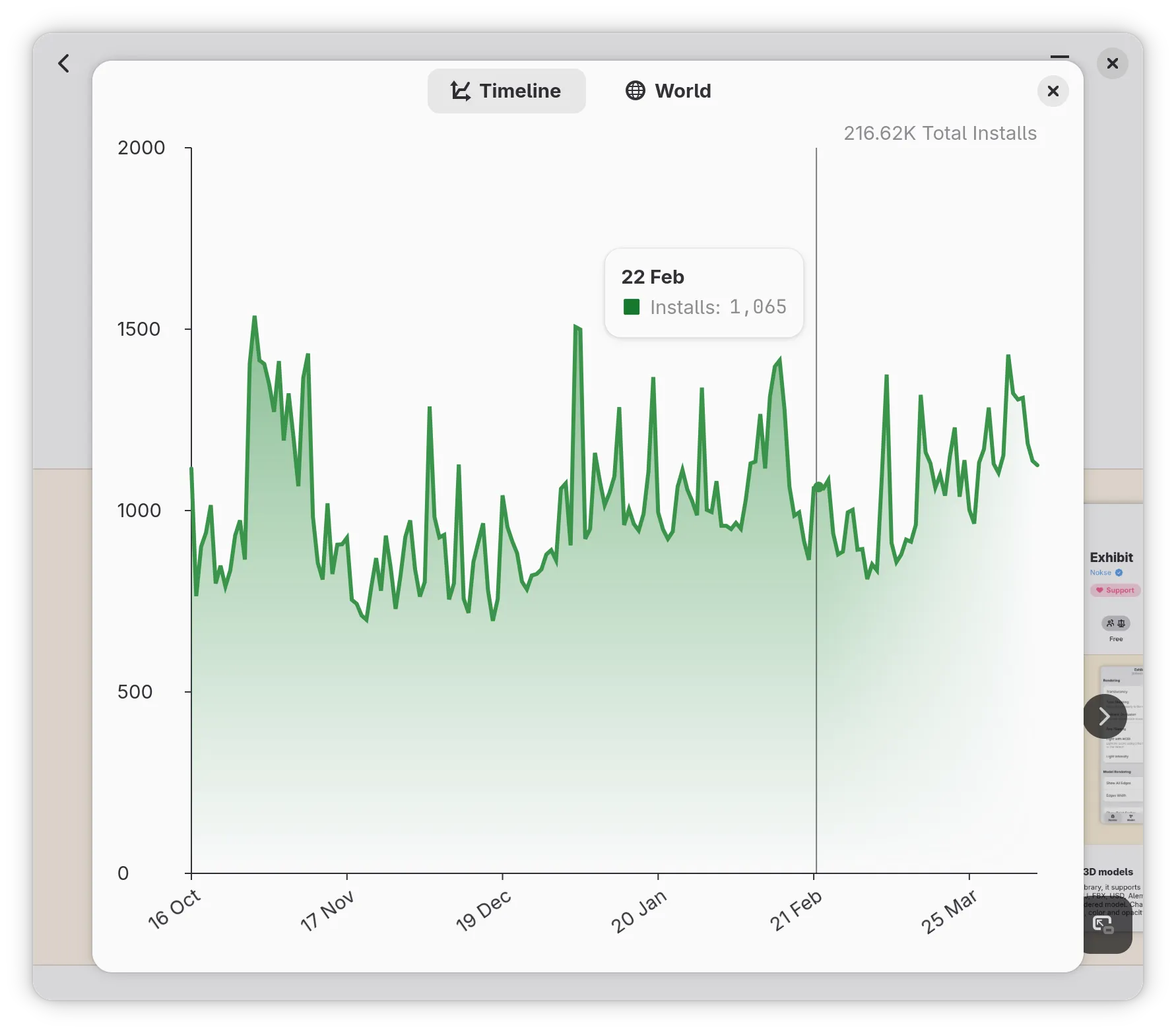
A new version of Bazaar is out now. It features the ability to filter search results via a new popover and reworks the add-ons dialog to include a page that shows more information about a specific entry. If you try to open an add-on via the AppStream scheme, it will now display this page, which is useful when you want to redirect users to install an add-on from within your app.
Also, please take a look at the statistics dialog — it now features a cool gradient.
Check it out on Flathub

dabrain34 reports
GstPipelineStudio 0.5.1 is out now. It’s a great pleasure to announce this new version allowing to deal with DOT files directly. Check the project web page for more information or the following blog post for more details about the release.

Anton Isaiev announces
RustConn (connection manager for SSH, RDP, VNC, SPICE, Telnet, Serial, Kubernetes, MOSH, and Zero Trust protocols)
Versions 0.10.9–0.10.14 landed with a solid round of usability, security, and performance work.
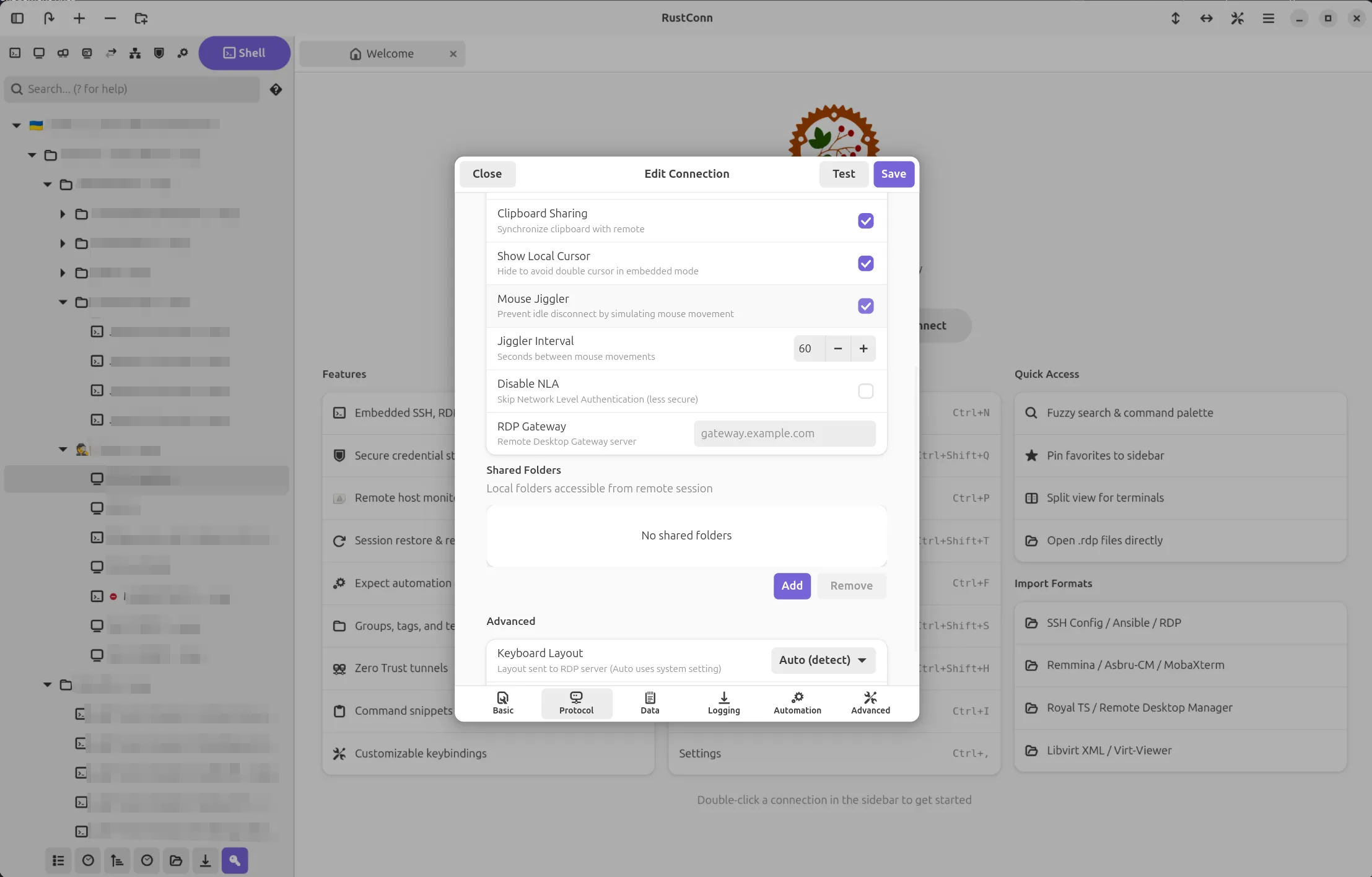
Staying connected got easier. If an SSH session drops unexpectedly, RustConn now polls the host and reconnects on its own as soon as it’s back. Wake-on-LAN works the same way: send the magic packet and RustConn connects automatically once the machine boots. You can also right-click any connection to check if the host is online, and a new “Connect All” option opens every connection in a folder at once. For RDP there’s a Mouse Jiggler that keeps idle sessions alive.
Terminal Activity Monitor is a new per-session feature that watches for output activity or silence, which is handy for long-running jobs. You get notifications as tab icons, toasts, and desktop alerts when the window is in the background.
Security got a lot of attention. RDP now defaults to trust-on-first-use certificate validation instead of blindly accepting everything. Credentials for Bitwarden and 1Password are no longer visible in the process list. VNC passwords are zeroized on drop. Export files are written with owner-only permissions. Dangerous custom arguments are blocked for both VNC and FreeRDP viewers.
Hoop.dev joins as the 11th Zero Trust provider. There’s also a new custom SSH agent socket setting that lets Flatpak users connect through KeePassXC, Bitwarden, or GPG-based SSH agents, something the Flatpak sandbox previously made difficult.
Smoother on HiDPI and 4K. RDP frame rendering skips a 33 MB per-frame copy when the data is already in the right format. Highlight rules, search, and log sanitization patterns are compiled once instead of on every keystroke or terminal line.
GNOME HIG polish. Success notifications now use non-blocking toasts instead of modal dialogs. Sidebar context menus are native PopoverMenus with keyboard navigation and screen reader support. Translations completed for all 15 languages.
Project: https://github.com/totoshko88/RustConn Flatpak: https://flathub.org/en/apps/io.github.totoshko88.RustConn
Phosh ↗
A pure wayland shell for mobile devices.
Guido announces
Phosh 0.54 is out:
There’s now a notification when an app fails to start, the status bar can be extended via plugins, and the location quick toggle has a status page to set the maximum allowed accuracy.
On the compositor side we improved X11 support, making docked mode (aka convergence) with applications like emacs or ardour more fun to use.
The on screen keyboard Stevia now supports Japanese and Chinese input via UIM, has a new
us+workmanlayout and automatic space handling can be disabled.There’s more - see the full details here .

Documentation
Emmanuele Bassi announces
The GNOME User documentation project has been ported to use Meson for its configuration, build, and installation. The User documentation contains the desktop help and the system administration guide, and gets published on the user help website , as well as being available locally through the Help browser . The switch to Meson improved build times, and moved the tests and validation in the build system. There’s a whole new contribution guideline as well. If you want to help writing the GNOME documentation, join us in the Docs room on Matrix !
Shell Extensions
Weather O’Clock ↗
Display the current weather inside the pill next to the clock.
Cleo Menezes Jr. reports
Weather O’Clock 50 released with fluffier animations: smooth fades between loading, weather and offline states; instant temperature updates; first-fetch spinner; offline indicator; GNOME Shell 45–50 support; and various bug fixes.
That’s all for this week!
See you next week, and be sure to stop by #thisweek:gnome.org with updates on your own projects!