-
Pl
chevron_right
ProcessOne: Enabling Fluux.io WebPush on a PWA on iOS
news.movim.eu / PlanetJabber • 6 January 2026 • 1 minute
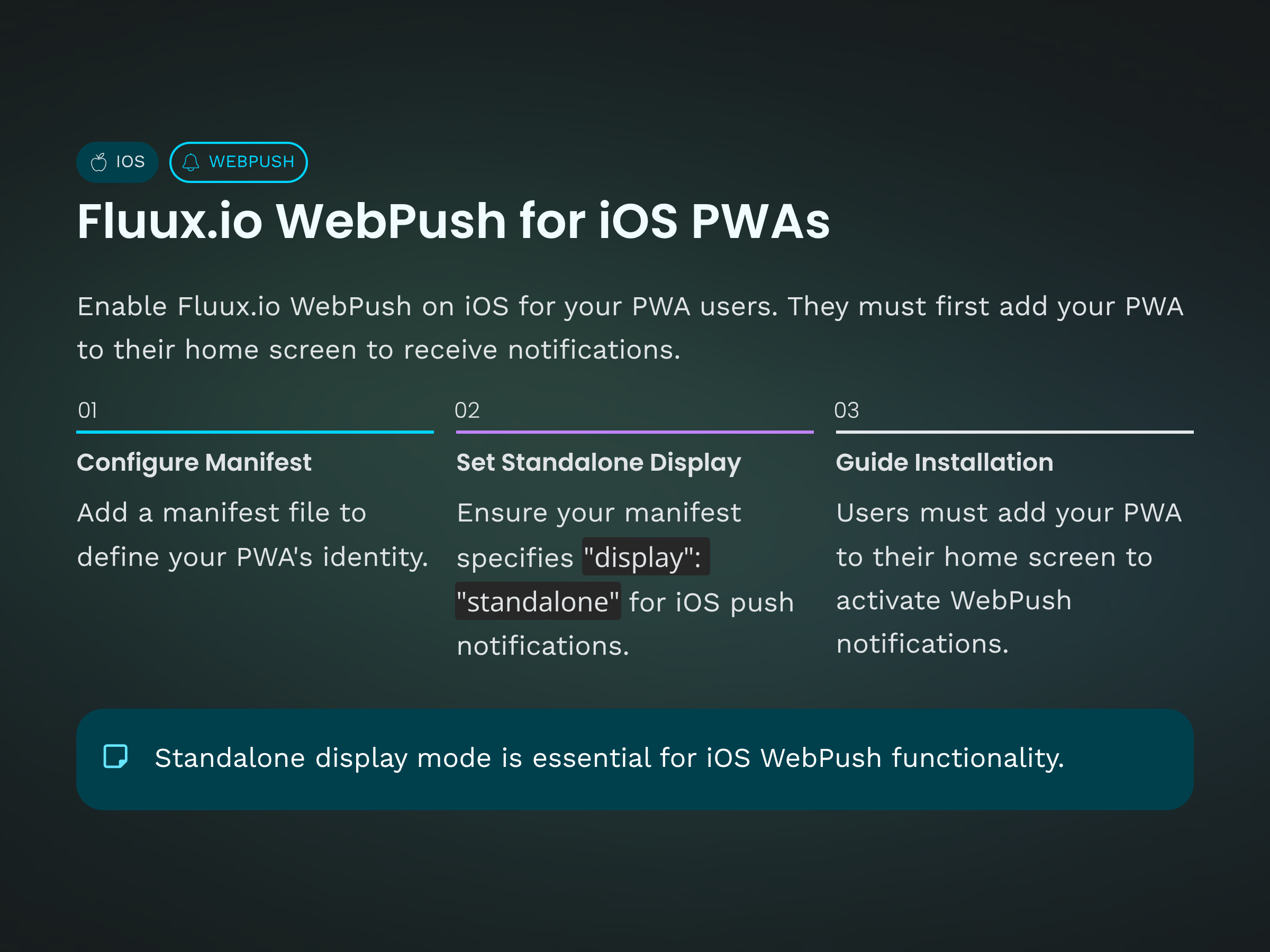
As we previously described here , your Fluux.io service can send push notifications to your xmpp user&aposs browsers when they are offline. It includes Safari on iOS devices. But before enabling it your users need to add your Progressive Web App (PWA) on their home screen.
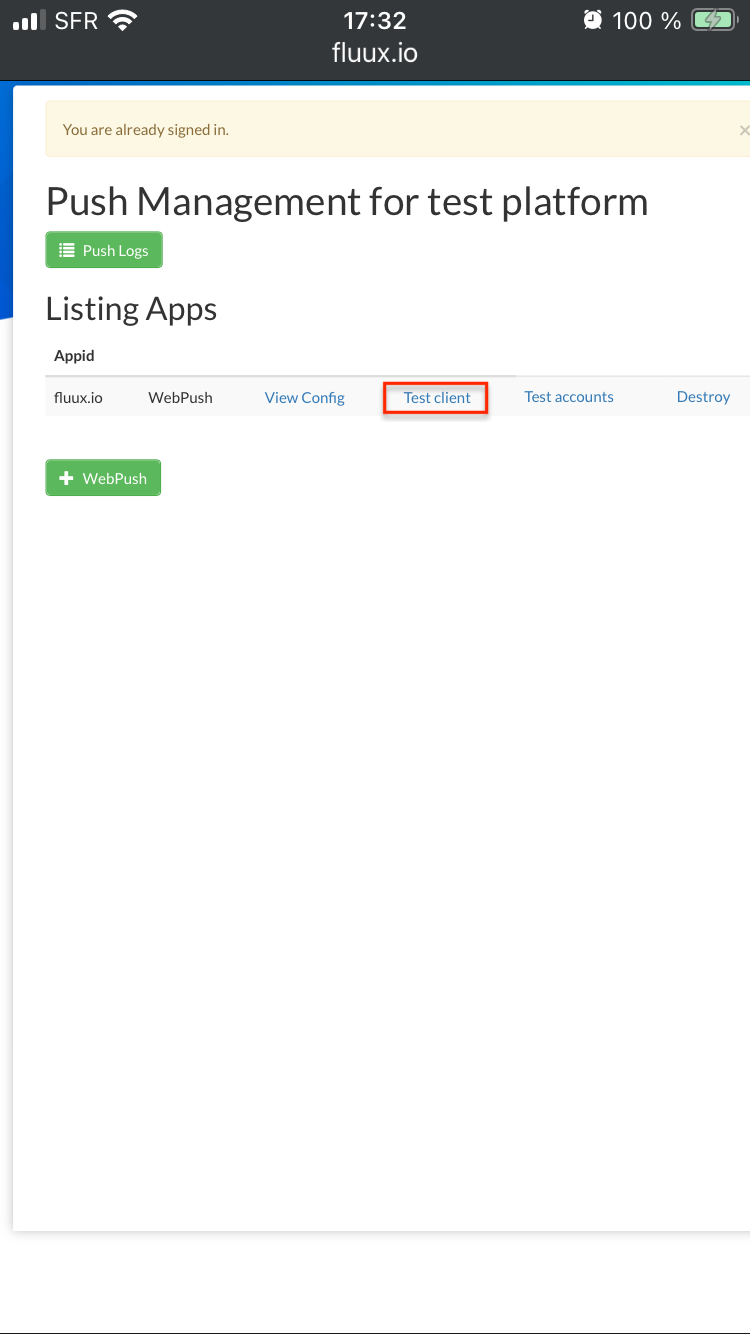
You can test the whole process with our "Test Client" from your fluux.io console. First, sign in fluux.io console and go to WebPush App list. Like in previous blog post open test client.
This page has a link tag :
<link rel="manifest" href="/manifest.json">
linking to a WebApp manifest file such this one https://fluux.io/manifest.json
We reproduced here main fields :
{
  "name": "FluuxIO",
  "icons": [
    {
      "src": "/logo.png",
      "type": "image/png",
      "sizes": "200x200"
    }
  ],
  "display": "standalone"
}
This file provides a name, an icon and so on to the PWA. It also fixes display mode to "standalone" which is required to enable push notification on a Progressive Web App on iOS.
With such configuration, end-user has to tap on "share button" :
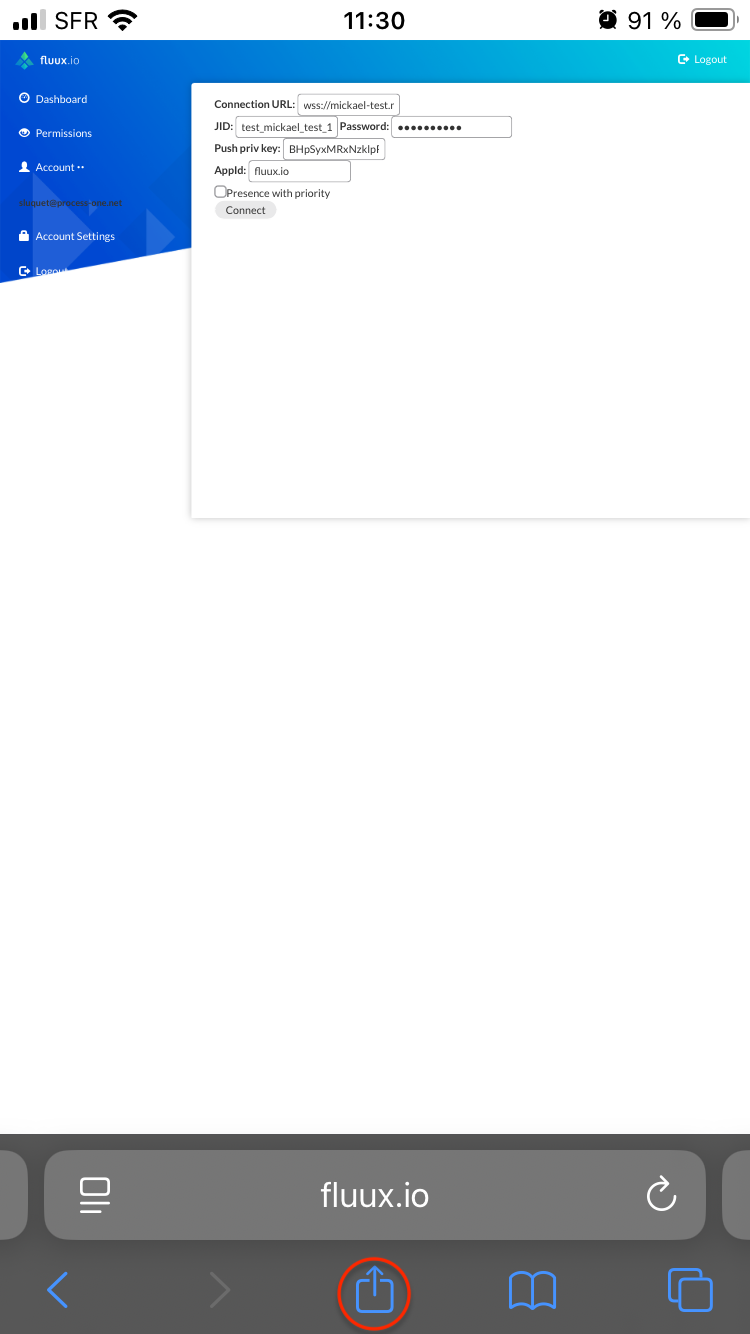
Then iOS user has to scroll and tap on "Add to Home Screen".
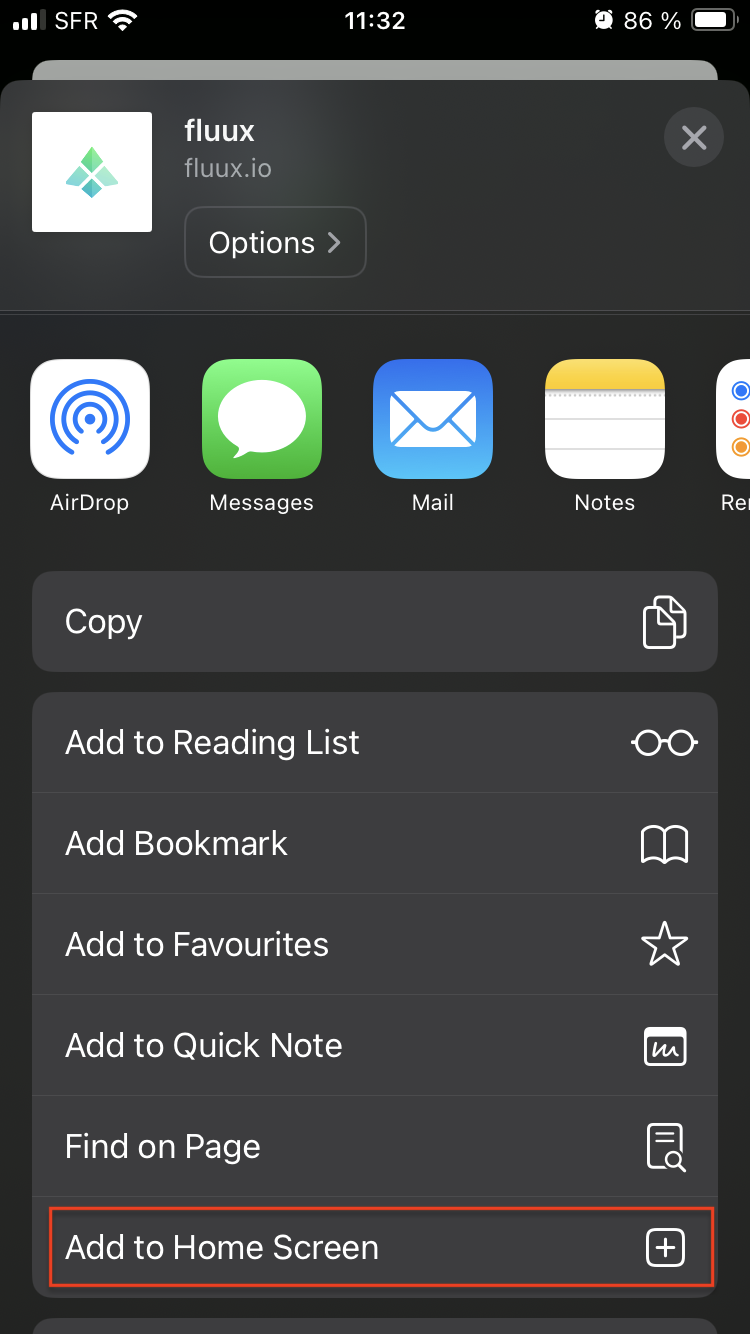
It will open a form prefilled with data from manifest.json
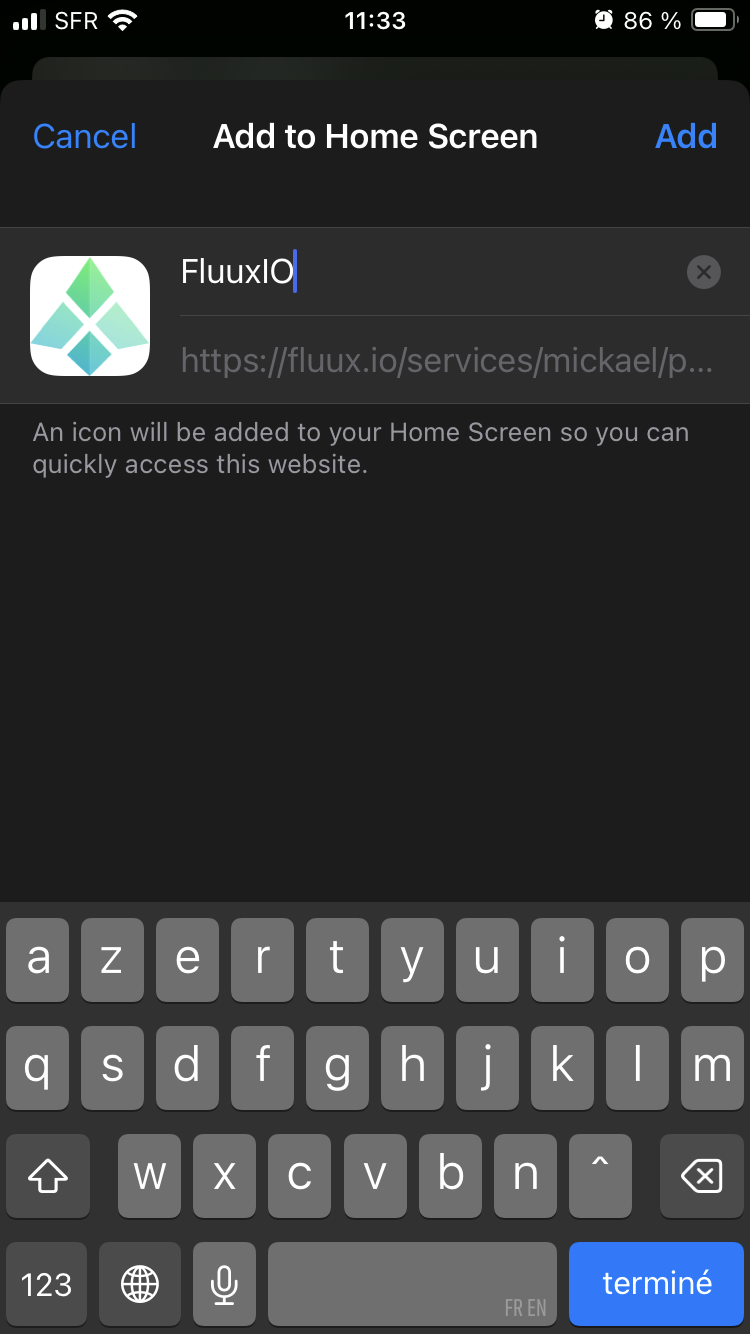
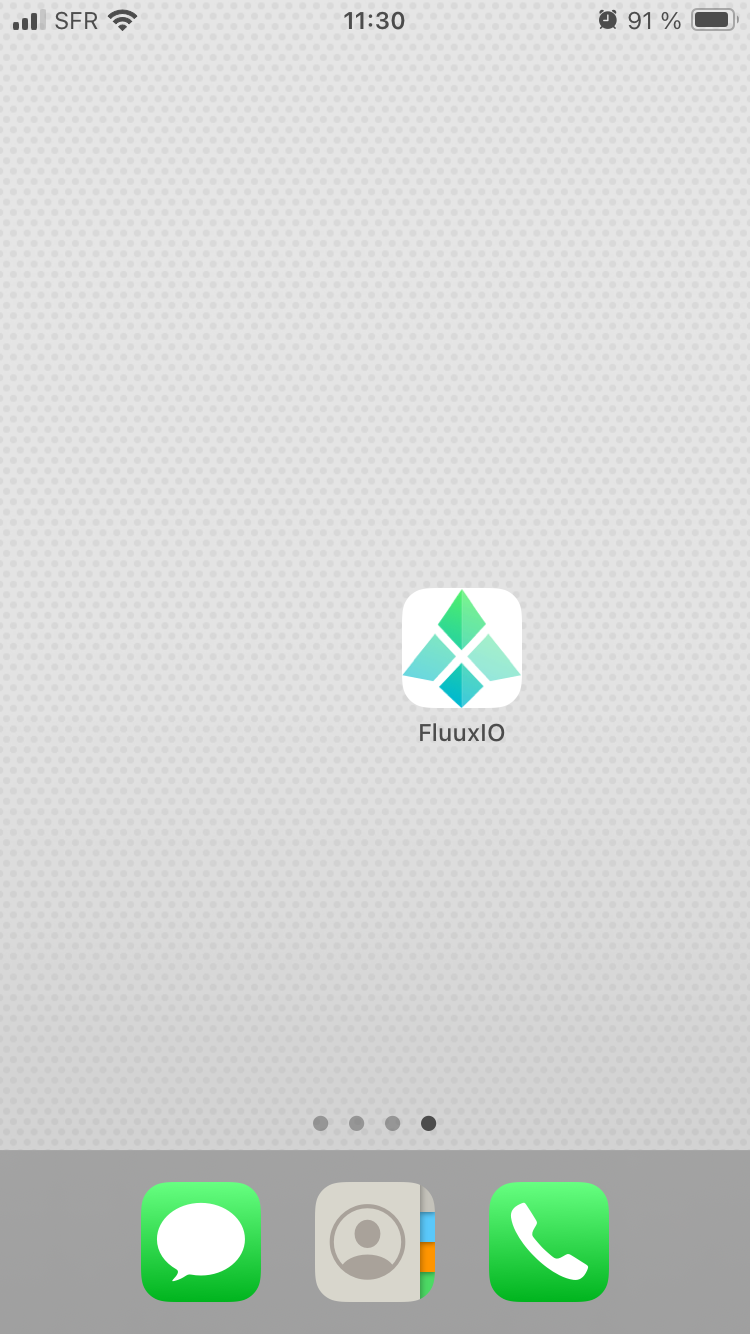
Once registration form submitted, a new icon will appear on iOS device home screen and will act as a new app.
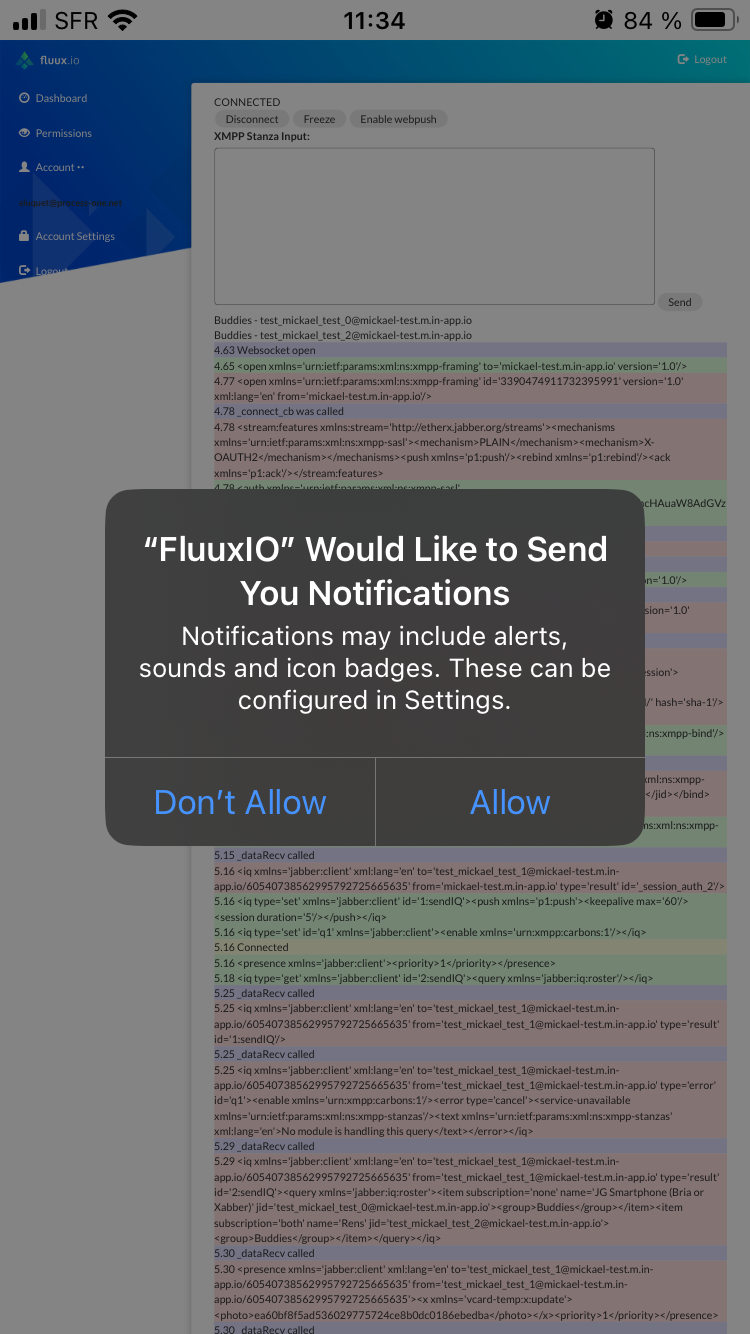
Launch it, sign in your fluux console, and move back to test client and connect using a test user. You can now tap on "Enable webpush"
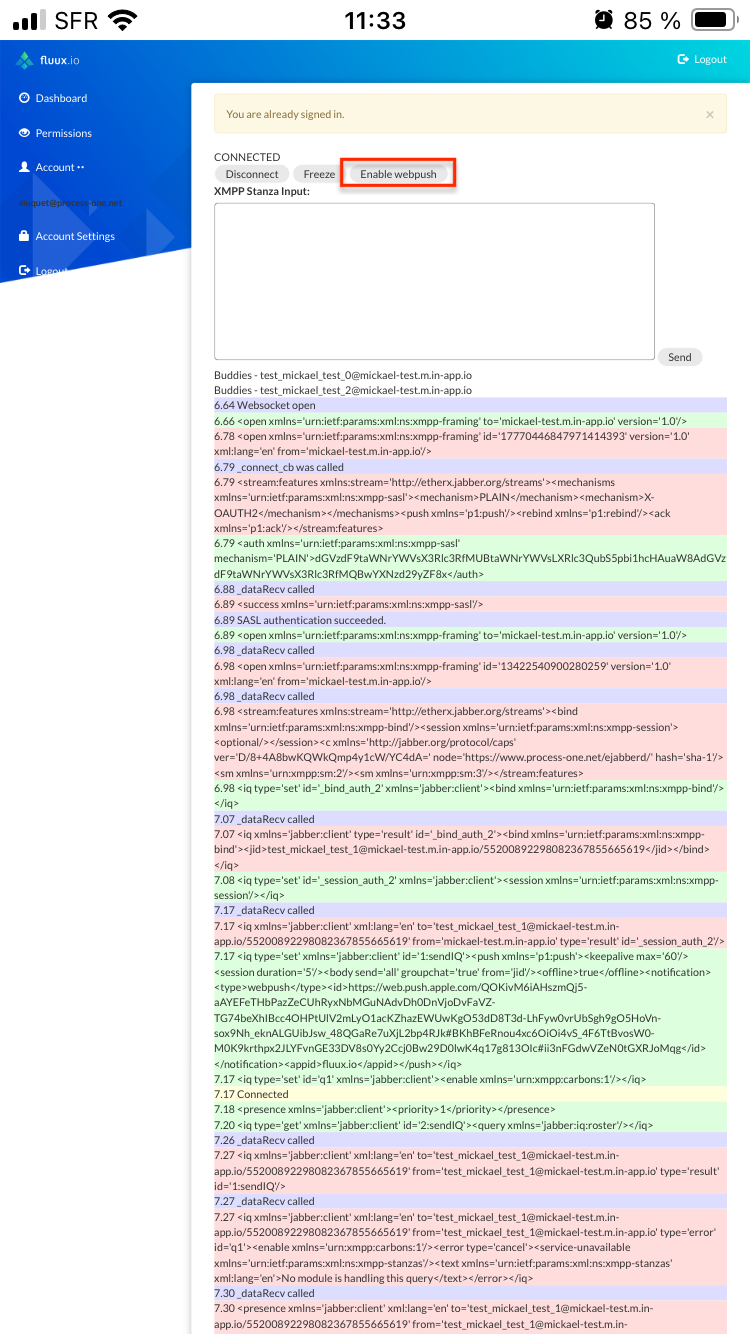
You will be prompted to allow your device to receive push notification from your fluux platform (through safari/apple server).
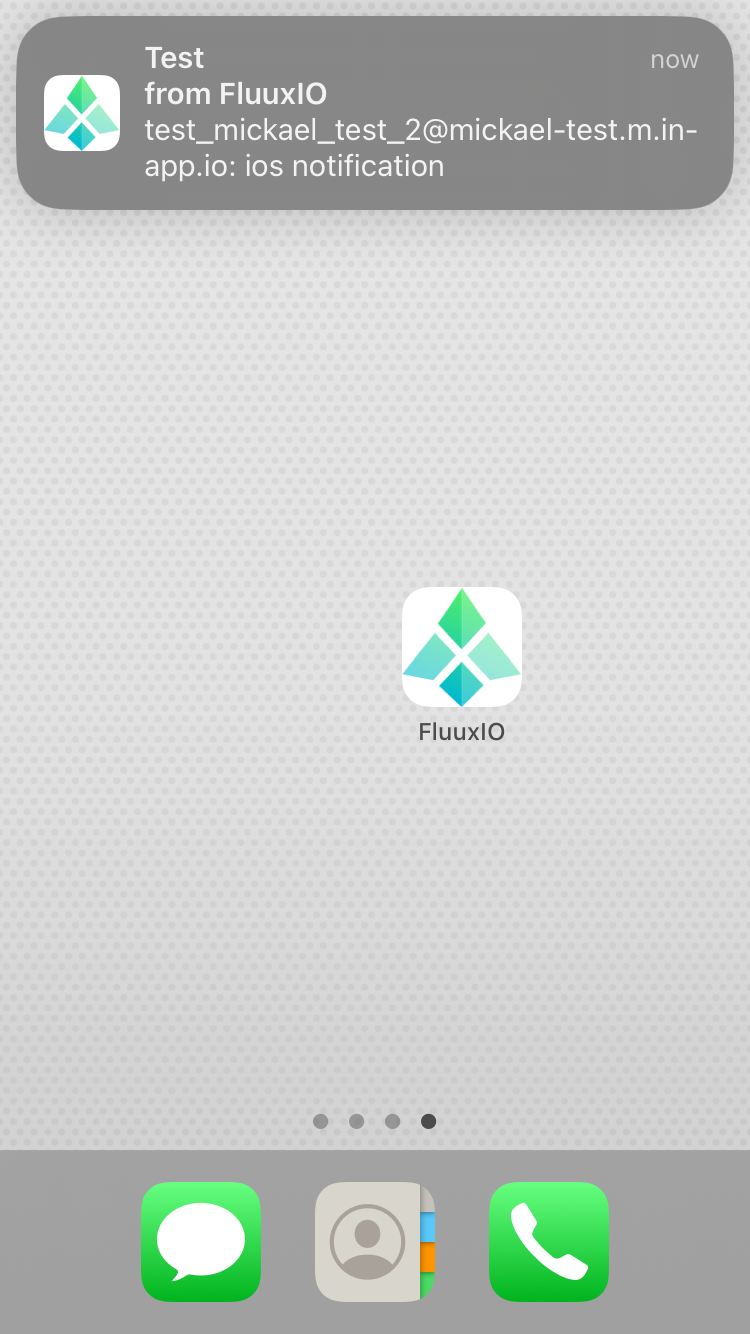
Like other push worflows a notification for new message will be sent to xmpp user&aposs device when offline :