
-
Pl
chevron_right
ProcessOne: Fluux Messenger 0.16.1: fixes and refinements from real-world use
news.movim.eu / PlanetJabber • 16 June 2026 • 2 minutes
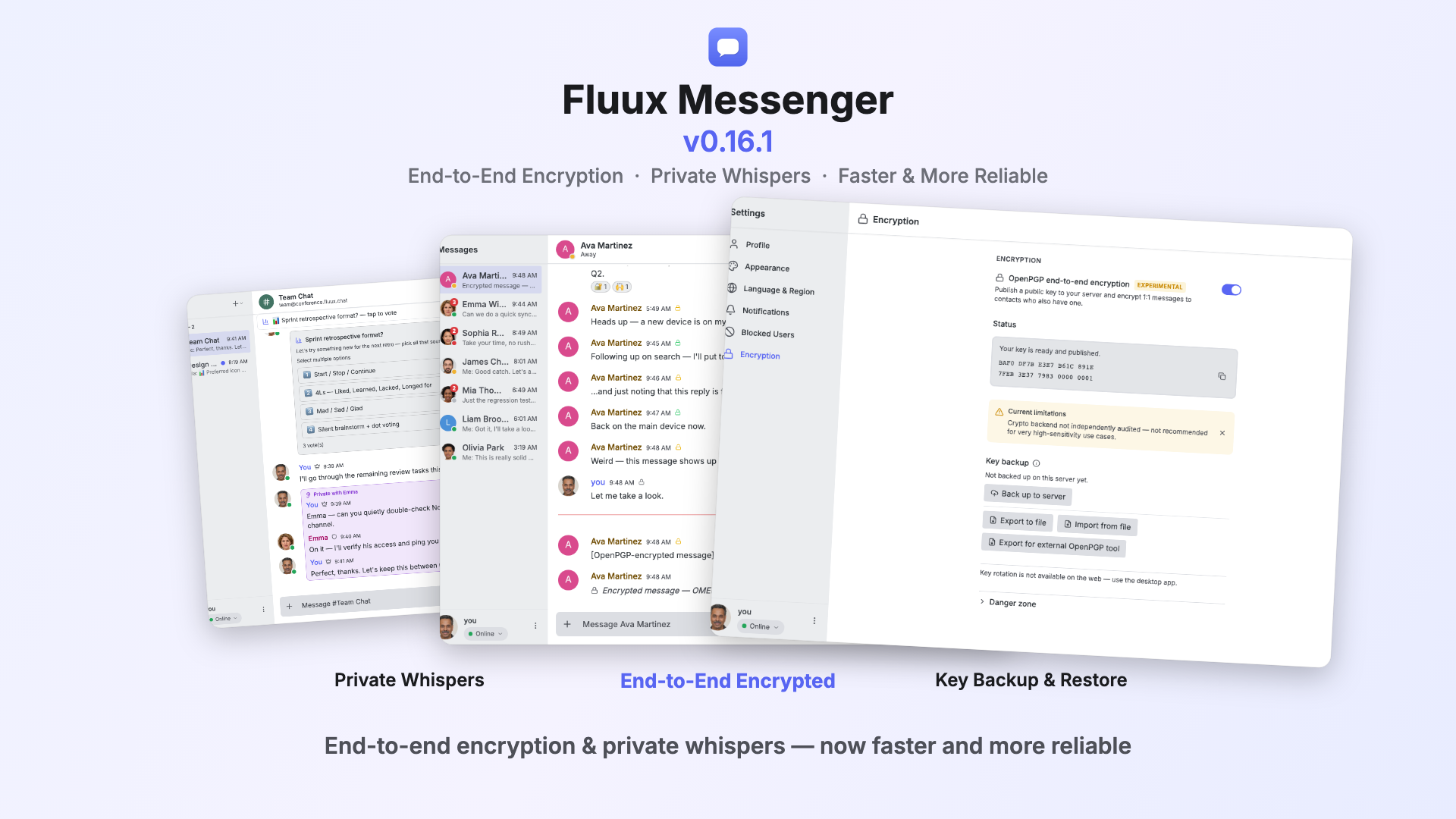
0.16.1 is our quick turnaround on that: a focused round offixes for the issues that have been reported, across encryption, connectivity,message history, and the desktop apps. Nothing dramatic here, we mainly want to show that we&aposre listening and addressing reported problems fast.
End-to-end encryption in daily use
With people now encrypting real conversations, a few practical details surfaced —and they&aposre sorted:
- Verification works across clients. Fingerprints are published and compared in a consistent case (XEP-0373 expects upper-case), so the green "verified" lock appears reliably whatever XMPP client your contact uses.
- Cleaner previews and placeholders. Encrypted reactions now show up properly in the conversation list, and you&aposll see a "decrypting…" placeholder while the encryption plugin finishes loading.
- Complete archive. Encrypted messages without a plaintext body now come through correctly from server history (MAM).
Smoother connections
Field reports pointed to a handful of connection scenarios, now improved:
- Happy Eyeballs. Fluux races IPv4 and IPv6 when connecting, so a slow or broken IPv6 route no longer holds things up, whichever answers first wins.
- More reliable reconnection. Stream Management handling and the desktop&aposs local proxy hop were both tuned to resolve reconnection cases users reported.
- Clearer status. Presence pills stay grey while reconnecting, and the reconnect spinner and countdown are back in the sidebar status chip for a calmer interface on unstable networks.
More complete message history
- Gap recovery. Some users reported missing stretches of history after long periods offline. Catch-up now closes those gaps in both group chats and 1:1 conversations, with a "load missing messages" marker to bring back anything that was skipped.
- Reliable scroll-up. Loading older history by scrolling up now works as expected.
A more polished desktop experience
- Notifications open the right chat. On macOS, clicking a notification takes you straight to the conversation it belongs to.
- Single window. Relaunching the app focuses the window that&aposs already running instead of opening a second copy.
- Linux tray fallback. When the system tray isn&apost available, closing the window quits the app, so it can always be reopened.
- Image downloads use the native save dialog, and Settings now links straight to your system notification settings.
Lots of smaller fixes
And plenty of smaller refinements from everyday use: consistent empty-state icons, reply quotes that match the original sender&aposs color and render as nested bars, opening a contact profile no longer bouncing you back, link-preview images that retry once before hiding, a smoother composer resize, local JID validation on the login screen, and group-chat performance improvements on room join.
Thanks to everyone who reported issues and shared feedback – that&aposs exactly what shapes a release like this one. 0.16.1 is available now on our website , and the full changelog is on GitHub . Keep the reports coming!